
Where you work with your Digital Employee
One app for the conversation, the approvals and the team. Ask, review and decide in the same place.
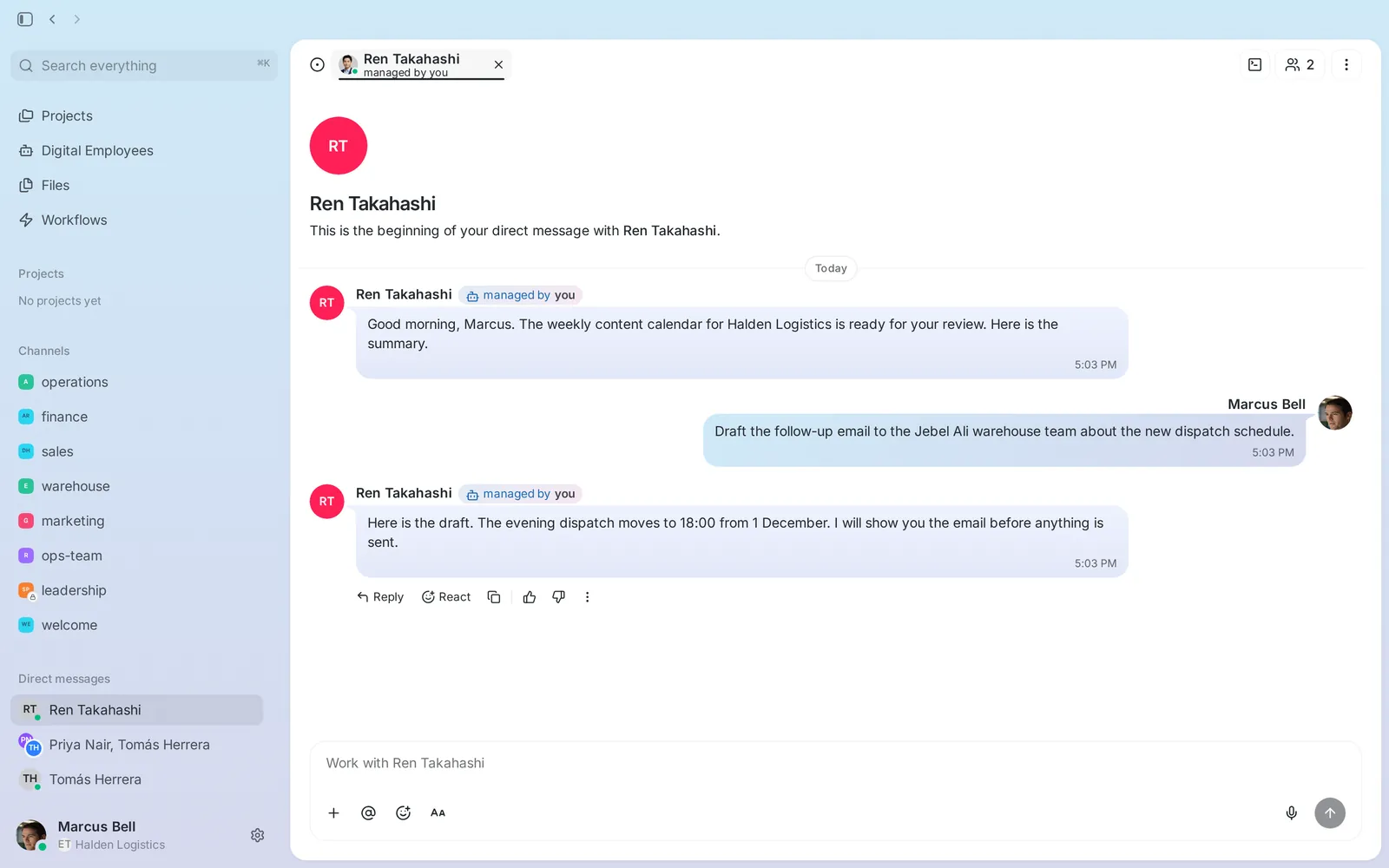
Screens show the real Workspace with example data. Names and companies are made up.
One workspace. Every device.
Use it in the browser, or install the app on your computer or phone.
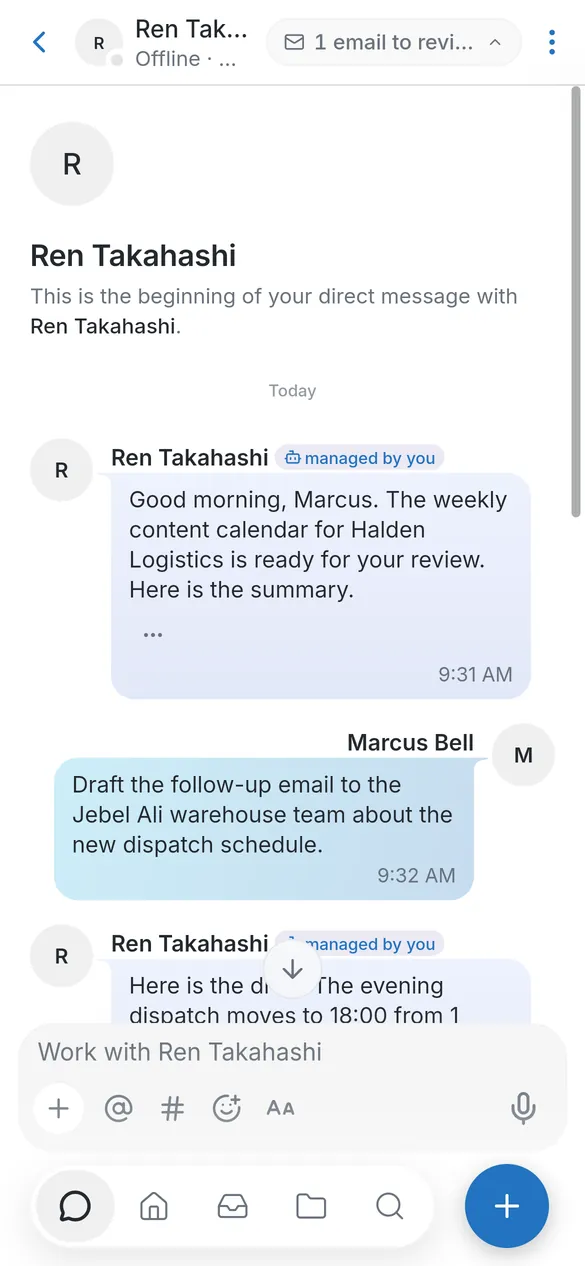
Ask in plain words. Get the answer in the thread.
Your Digital Employee lives in a conversation, like a colleague. Write a request, follow the reply and pick it up again whenever you want.
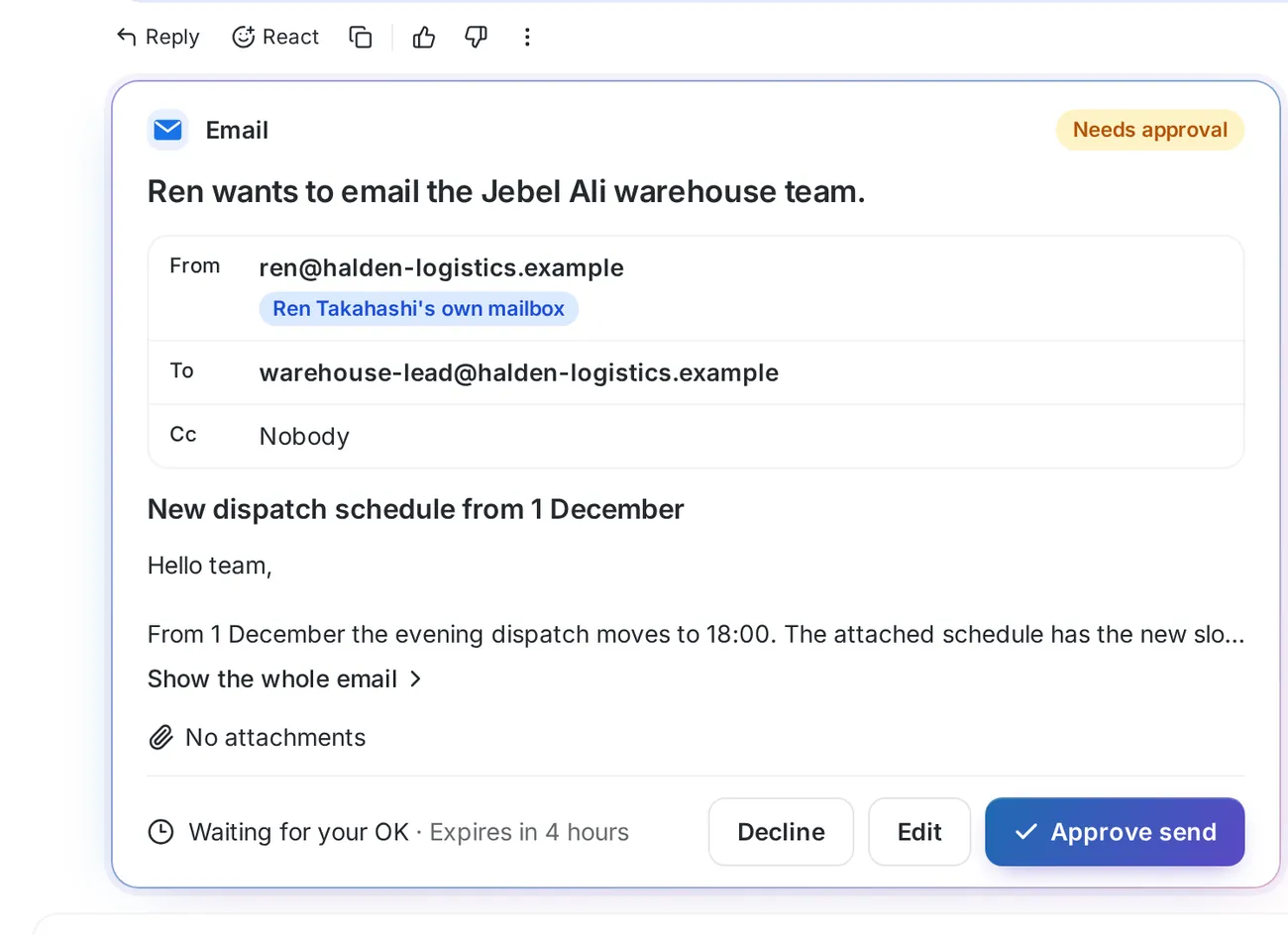
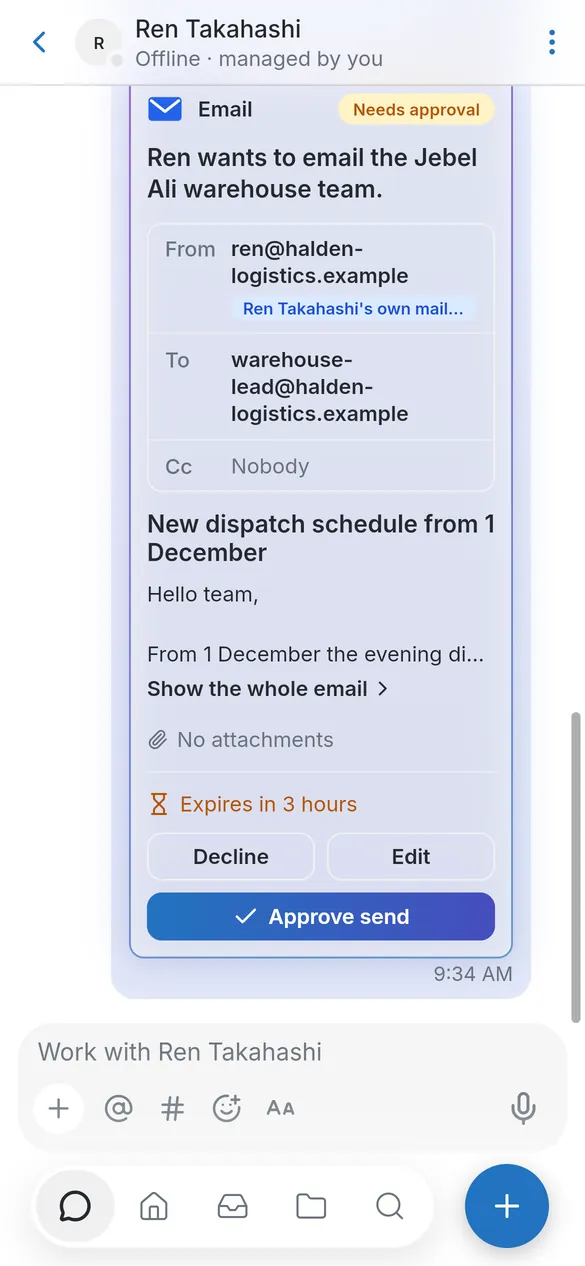
Nothing goes out without your OK.
With confirm-first on, an outgoing email waits as a card in the chat. You read it, edit it, then approve or decline.
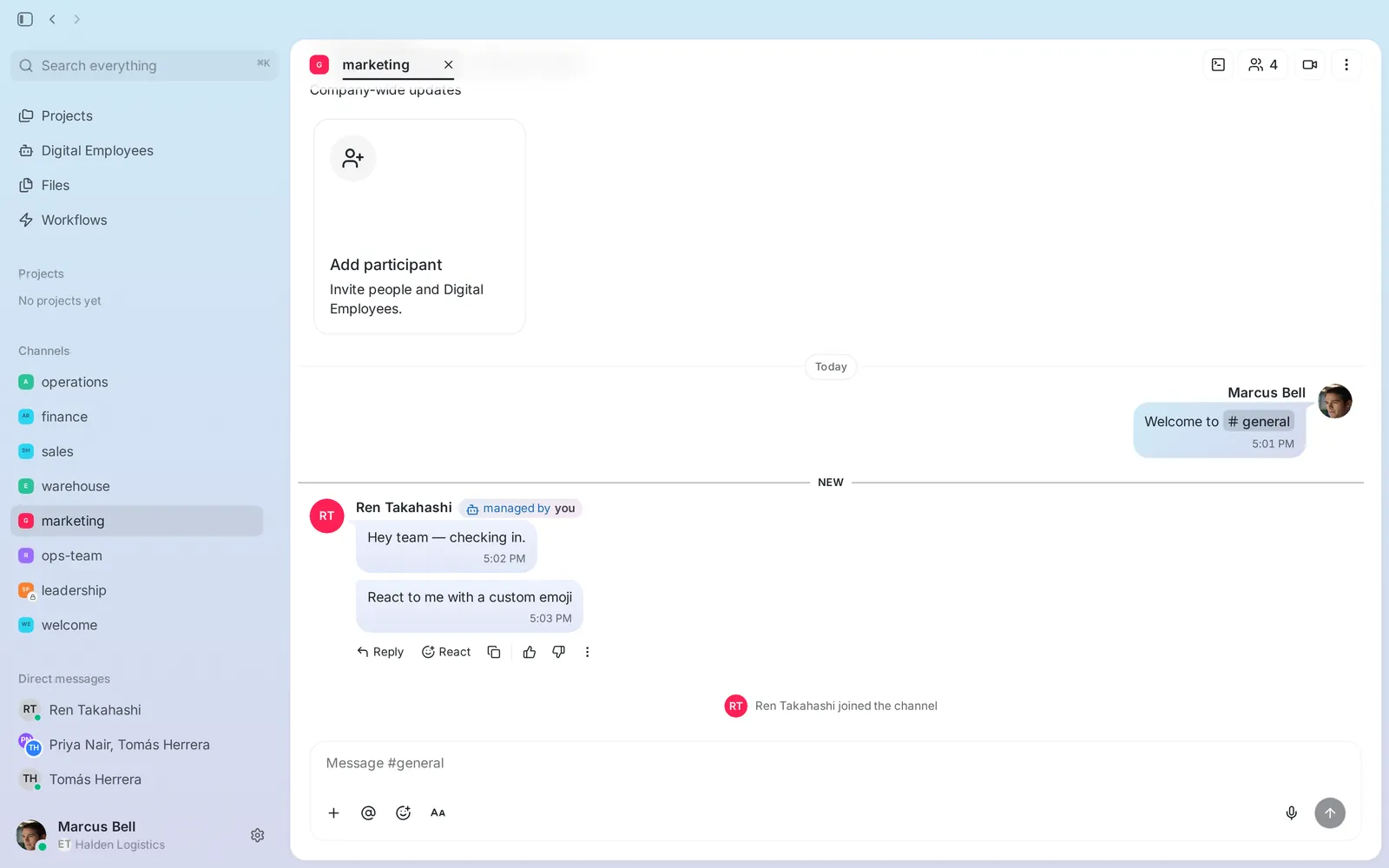
People and Digital Employees, in one room.
Create a channel for a team or a project and invite colleagues and Digital Employees together.
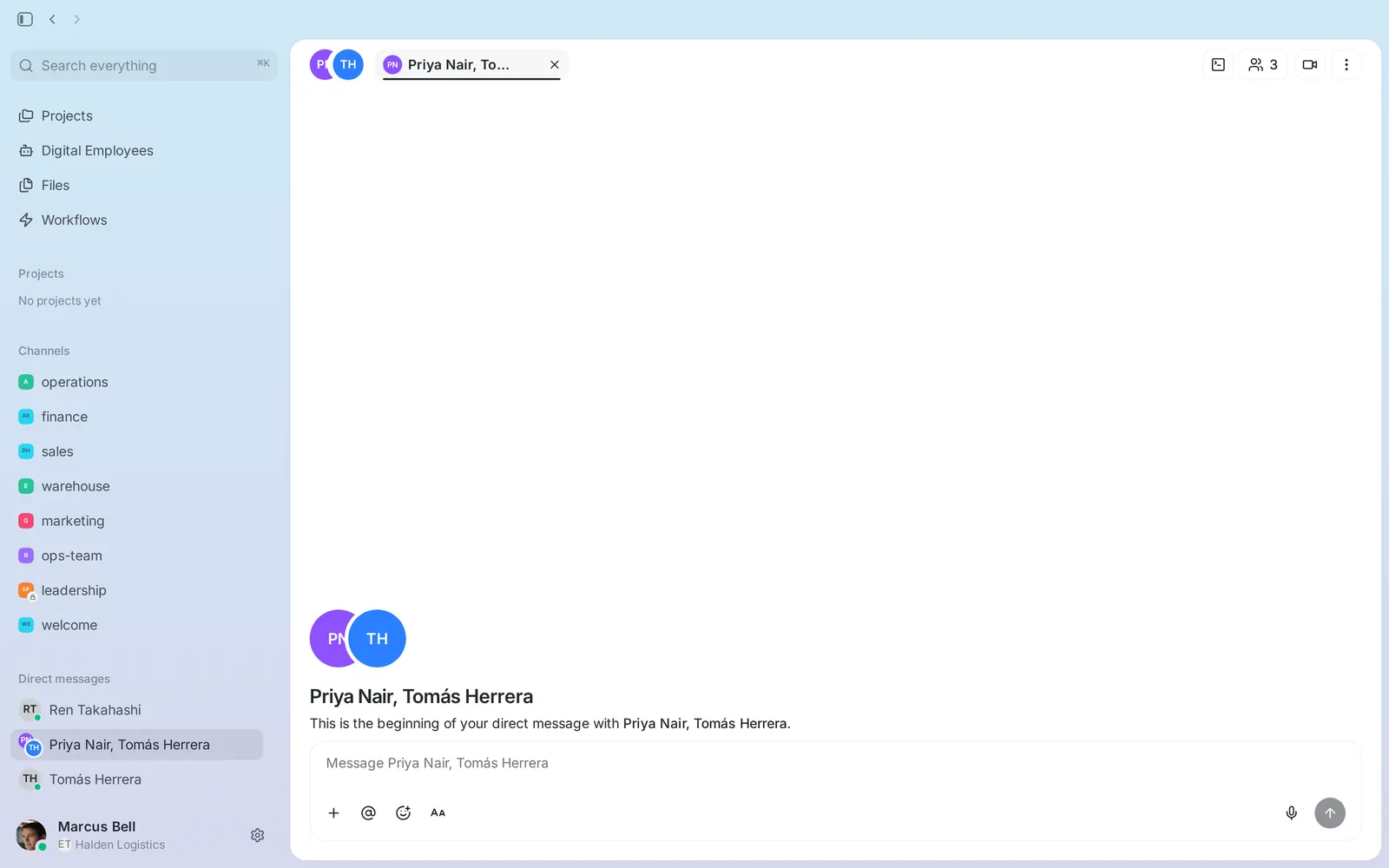
Start a video call from the chat.
Call colleagues from a conversation or a channel.
When a call is recorded, everyone on it is told, and guests are asked for consent first. Afterwards you get a transcript, a summary and action items, and a Digital Employee of your company may be asked to follow up.
Video calls are between people. You cannot start a video call with a Digital Employee.
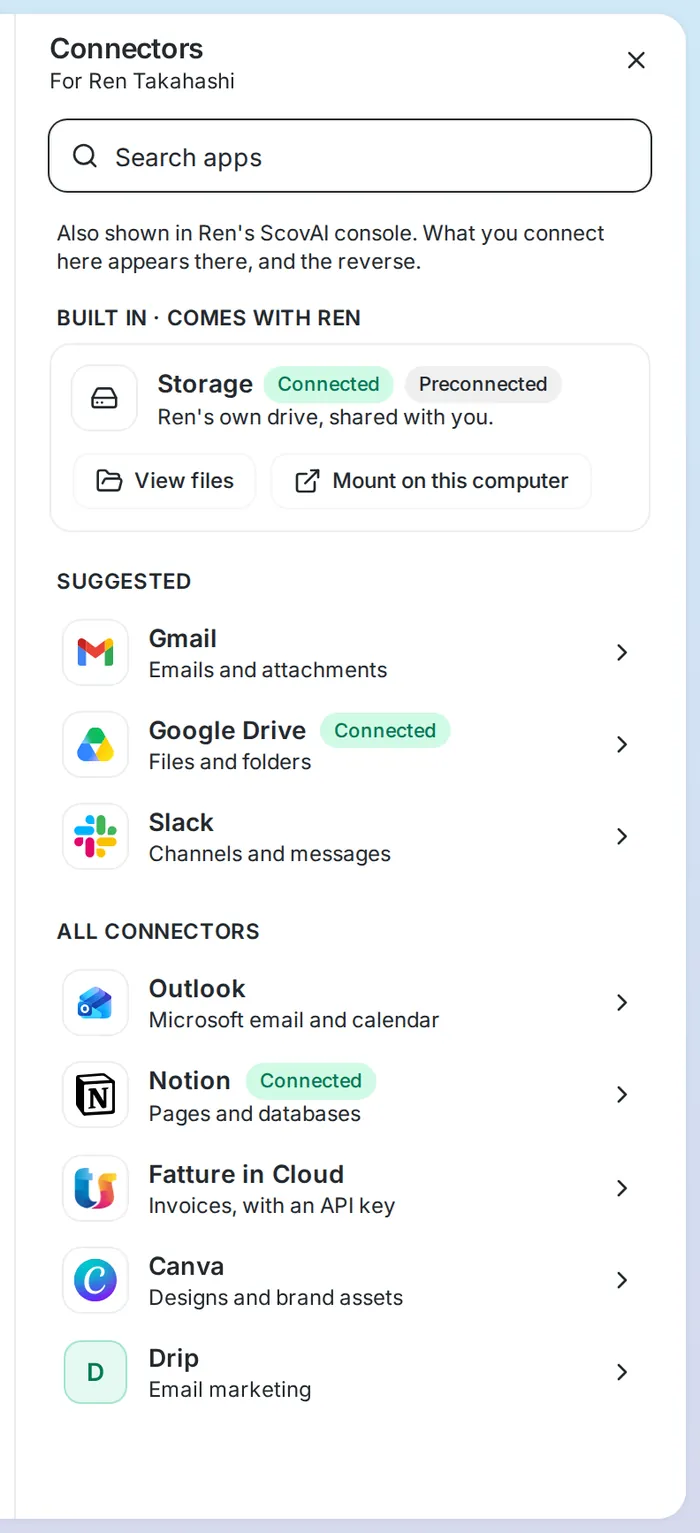
Connect the apps you already use.
Give your Digital Employee access to Gmail, Outlook, Google Drive, Slack and many more, from the chat. What you connect also shows in the Scovai console.
Your Digital Employee, on your phone.
Chat with your Digital Employee, review its approval cards and get notifications in the iPhone or Android app.
Your Digital Employee is waiting in the Workspace.
Hire one and start working together.
Hire a Digital Employee